Materials Hub
These are the exact scripts and guides Rising Phoenix agents use to start real conversations, get clients on the phone, and walk them through the sales process with confidence. Save them. Print them. Use them every day.
Print these before Monday. Keep them in front of you during every session this week.
Appointment Setting Script (A Leads)
Use this script if running A leads.
Appointment Setting Script (Bonus Leads)
Use this script if running AA, B, C, D, or A1 leads.
Sales Guide
Follow this exact script during your appointments.
Voicemail Script
After you double dial (call > goes to voicemail > hang up > call again) leave this voicemail.
Text Scripts
After you leave a voicemail, send over a text. Once you have called the lead at 3 different times, send over the closeout text.
Best Counties for Leads
This spreadsheet organizes all 50 states into Best, Good, and Okay counties — helping you quickly target the strongest areas for mortgage protection leads.
Needs Analysis Sheet
The Needs Analysis Sheet helps you gather all the critical information about your client’s situation so you can recommend the right coverage — and build trust in the process.
Objection Handlers
Know your objection handlers like a pro! Learn and practice these and you’ll see great results!
Mortgage Protection Calculator
Use this to determine options for the clients. Do NOT try to edit the link. Click File > Make a Copy
Week 1 Dial Tracker
You must complete this within your first 5 days of dialing. It allows us to identify exactly where you need support, so we can help you start closing sales as quickly as possible.
Snapshot Follow Up Script
Use this script to follow up with clients a few days later to reset them with our financial specialists.
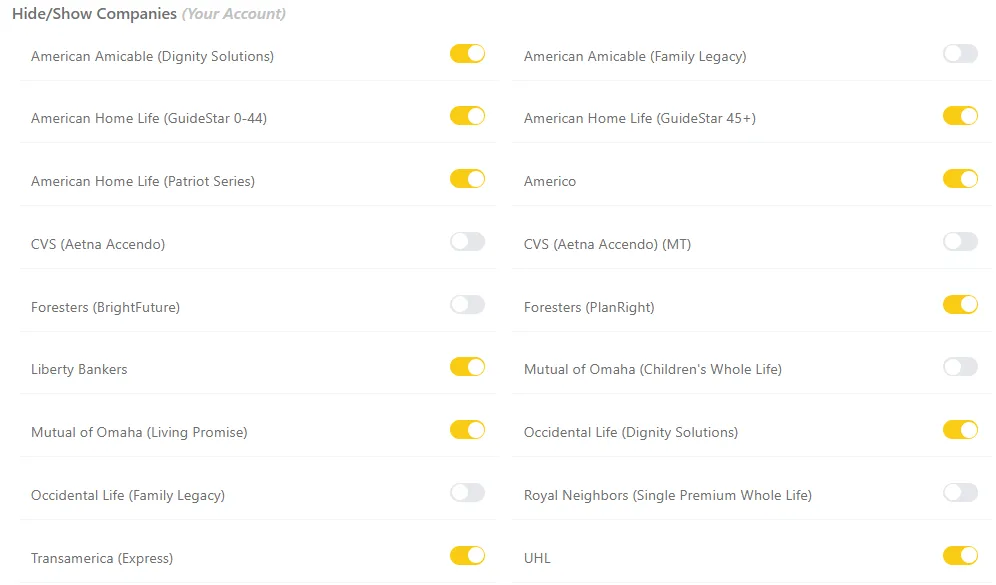
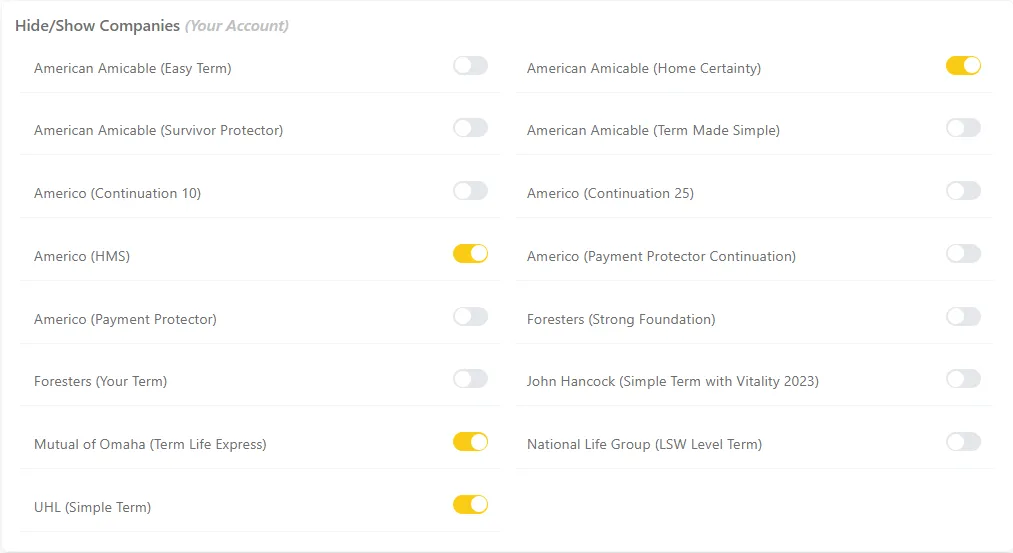
Customize Your Toolkit
FEX
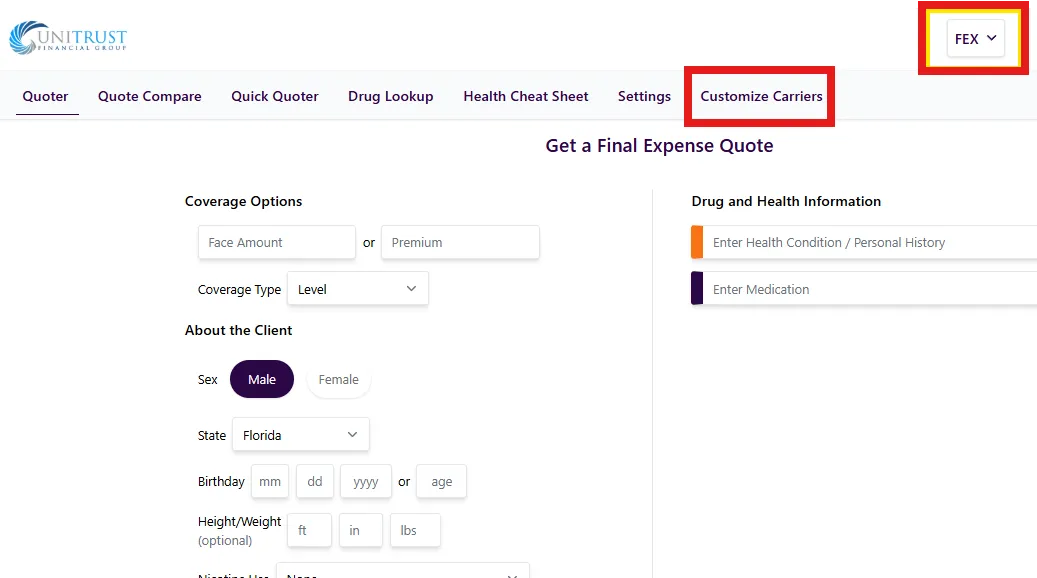
FEX
TERM
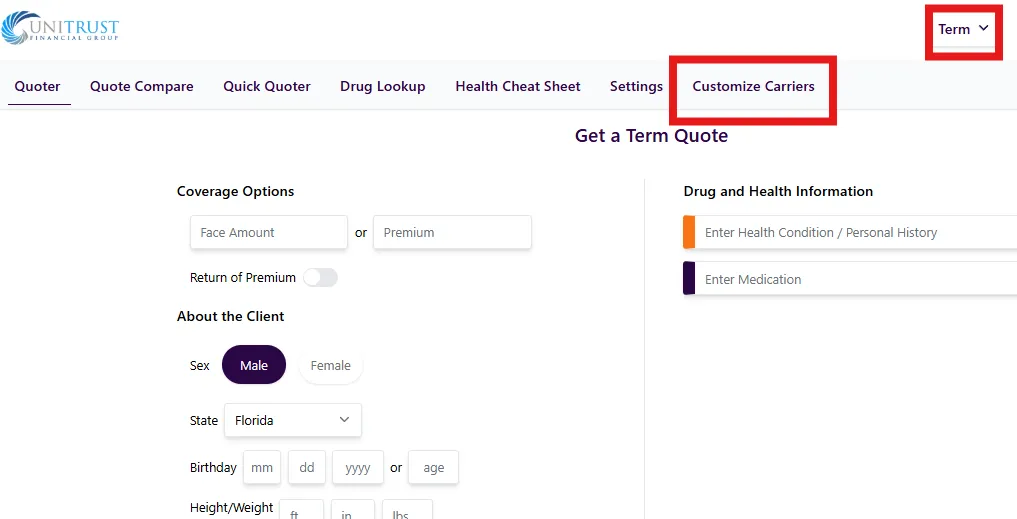
TERM
Carrier Login Websites
Pratice Application: https://tools-demo.americoagent.com/
You should have received an email from Foresters. At the bottom, it tells you how to login into the PlanRight app. The password will most likely not work and you will have to call in.)
Legal & General aka LGA aka Banner Life > Found in Co-Pilot
SBLI > Found in Co-Pilot

Terms and Conditions